The Tech Behind Raven
A candid look under the bonnet: the multimodal model doing the reading, what a confidence figure really reports, and why your photo is gone the moment we answer.
Short answer
Raven works in a single pass: the browser uploads a photograph, the server checks the file type, holds the image in memory and sends it to Google Gemini with an instruction. Gemini returns a probable region and a short explanation, and the picture is discarded the moment the response is sent.
Have you ever uploaded a photograph to Raven and wondered what happens in the seconds before a guess appears? It can feel like a conjuring trick. You show it a street corner, a mountain ridge or a quiet cafe, and back comes a plausible place, sometimes with unsettling accuracy.
It is not a trick, and the machinery is smaller than most people assume. There is no index of the world's photographs, no reverse image search and no hidden metadata harvest. There is one model, one request, and a deliberate decision about what not to keep. Here is the whole of it, without marketing varnish.
How Raven works, from upload to answer
The flow is short enough to describe in five steps, and knowing them explains most of the product's behaviour, including its limits.
- You upload. The file goes from your browser to Raven's server over an encrypted connection. Nothing is analysed in the browser itself.
- The server checks the file. Size is capped, and the file type is confirmed by reading the opening bytes rather than by trusting the label the browser attached to it.
- The image is encoded in memory. The bytes are turned into text so they can travel inside an ordinary API request, and that text exists only as a variable in a running function.
- Gemini reads it. The encoded picture and a written instruction go to Google's model in one call, and it replies with a place, a short explanation and a confidence figure.
- The answer is parsed and returned, and the image is released. The response is turned into structured data for the interface, the request ends, and the photograph goes with it.
Two details in that list are worth pausing on. The first is that the type check reads the file's opening bytes, which is the only honest way to know what a file is: a JPEG begins with a fixed three-byte signature no matter what extension somebody typed, and the table of file signatures is the reference for this. Trusting the content type the browser announces would mean trusting whoever wrote the request.
The second is the encoding step. Images travel to the model as base64 text, which expands the payload by roughly 33 per cent because every three bytes become four characters. That overhead is the real reason there is an upload size limit, and it is also a useful reminder of how little ceremony is involved: your photograph spends its entire life in this system as a string in memory.
Which model does the guessing?
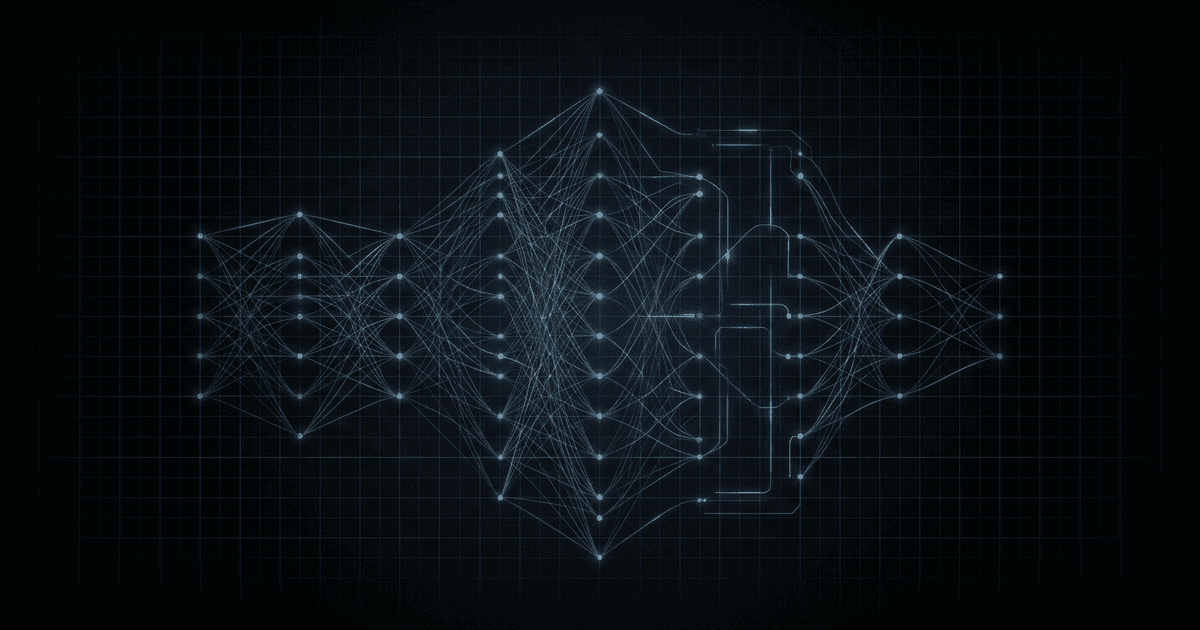
Google's Gemini, a multimodal model that accepts the image and the written instruction in the same request. It has no map, no database and no search index. It has patterns learned from an enormous quantity of images and text, and it applies them to the pixels you sent.
Think of Gemini as an extremely well-travelled, extremely well-read observer that has never actually been anywhere. It has processed enough material to have absorbed the patterns that define places: the terracotta pantiles of Tuscany, the type on a Tokyo street sign, the flat-topped acacia of the East African savanna, the yellow centre line of a North American highway. None of that is stored as a list of facts to look up. It is a set of statistical regularities that fire, or fail to fire, when a new picture arrives.
The reason a single model can weigh a roofline against a plant against an alphabet is that it holds images and language in one shared representation rather than running separate detectors and stapling the outputs together. That property, and its consequences, are the subject of how an image model reads a photograph. It also explains why the reasoning shifts so much with the scene: a dense street and an empty valley hand the model completely different toolkits, as urban and rural scenes shows.
What happens to the photo you upload?
It is held in the server's working memory for the duration of one request, passed to the model, and dropped when the answer is returned. Nothing is written to disk, to an object store or to a database, so there is no library of user photographs to leak, subpoena or sell.
This is the part of the design worth being most explicit about, because it is easy to claim and easy to quietly break. Your browser sends the file, the server holds it in active memory just long enough to hand it to the model, the model answers, and the request completes. The photograph was never written to a disk, never saved in a bucket, never recorded in a table. It is the digital equivalent of showing a friend a picture on your phone, letting them look, and putting the phone back in your pocket.
It is worth adding what is not read as well as what is not kept. Camera files carry an EXIF block, a metadata standard in use since 1995, and on a phone that block often contains precise coordinates. Raven's analysis does not consult it. The guess is made from visible evidence only, which is why a screenshot with every tag stripped produces the same kind of answer as the original file. If the pixels do not show it, the model does not know it.
What does the confidence figure actually mean?
It reports how decisively the model favoured its leading answer over the alternatives it weighed, not the probability that the answer is true. A high figure on a thin photograph is a warning rather than a reassurance, and a low one usually means the evidence genuinely fitted several places.
It is tempting to read 95 per cent as a nine-in-ten guarantee. That is not the claim. The figure describes the shape of the model's own preference, and nothing in the pipeline verifies the result against the world. Consider an antiques dealer saying they are almost certain a coin dates from a particular reign: the confidence rests on long experience, and long experience can still be fooled by a good forgery. A model can be emphatic and wrong in exactly the same way, most often when a scene resembles somewhere it has seen a great deal of, such as a Parisian-style cafe front that happens to be in Las Vegas.
There is a second reason to hold the number loosely. Human guessers and models fail differently: people lean on where they have personally been, while a model leans on how often a place has been photographed, which is a bias with its own geography. That divergence is examined in why humans and AI guess locations differently, and it shows up most clearly on near-identical neighbours, the case explored in telling neighbouring countries apart.
Why is there a sign-in and a single free guess?
Because each analysis is a real, metered call to a hosted model rather than a local calculation. One free guess per account keeps that endpoint from being abused, and afterwards the site points to the free Geospy AI app for iPhone. The blog and the rest of the site need no account.
The economics are unglamorous and worth stating plainly. Every guess costs something to run, so the analysis feature sits behind a single sign-in and the web version includes one free guess per account. Everything else here, including this article, is open. When the free guess is used up, the honest recommendation is the phone: Geospy AI is free on iOS and runs the same kind of reasoning against your camera roll.
What Raven deliberately does not do
A short list of absences is often more informative than a feature list. Raven does not perform reverse image search against the web. It does not match faces or attempt to identify anybody. It does not read location metadata. It does not build a history of what you have uploaded, because it keeps no uploads to build one from. And it does not present its answers as findings; the interface shows a confidence indicator precisely because the output is an estimate.
What is left is a narrow and genuinely entertaining thing: a model looking at pixels and reasoning aloud about them. Most of the pleasure is in the reasoning rather than the pin, especially when the clue turns out to be something you would never have noticed, such as the particular scrub at the roadside that pins a climate band, as how vegetation reveals climate explains.
Upload a photo and watch the pipeline do its one and only job.
Upload a photo →We built Raven as a small, privacy-first look at what modern models can do with an ordinary photograph. It is a demonstration that machines have learned to perceive in a way that feels almost human, and a reminder that almost is doing a lot of work in that sentence.
Frequently asked questions
- Is my photo stored on a server?
- No. The image lives in the server's memory for the length of one request, is passed to the model, and is released when the response goes back to your browser. It is never written to a disk, an object store or a database.
- Does Raven read the GPS tags in my photo?
- No. The guess is made from the pixels alone. Stripping every scrap of metadata from a file, or taking a screenshot of it, changes nothing about the answer, because that data is never part of the request in the first place.
- Which AI model does the analysis?
- Google's Gemini, a multimodal model that takes the picture and the instruction together and replies in text. Raven parses that reply into a place, a short explanation and a confidence indicator before showing it to you.
- Why does the web version only give one free guess?
- Because every analysis is a real, metered call to a hosted model. One free guess per account keeps that endpoint from being abused, and after it the site points to the free Geospy AI app for iPhone.
Sources
- Base64 — WikipediaThe binary-to-text encoding used to put an image in an API request; it inflates the payload by roughly 33 per cent, which is why upload size limits matter.
- List of file signatures — WikipediaThe magic-byte table behind server-side type checking: a JPEG opens with the 3 bytes FF D8 FF regardless of what the file is named.
- Exchangeable image file format — WikipediaThe metadata standard, in use since 1995, that carries GPS tags in camera files and which Raven's analysis deliberately ignores.
Reminder
Raven is built for entertainment and curiosity. Its guesses are AI estimates that can be wrong, and it must never be used to track or identify real people. Uploaded photos are processed in memory and immediately discarded — never stored.